Build Your Own
Music Streaming Server
Features
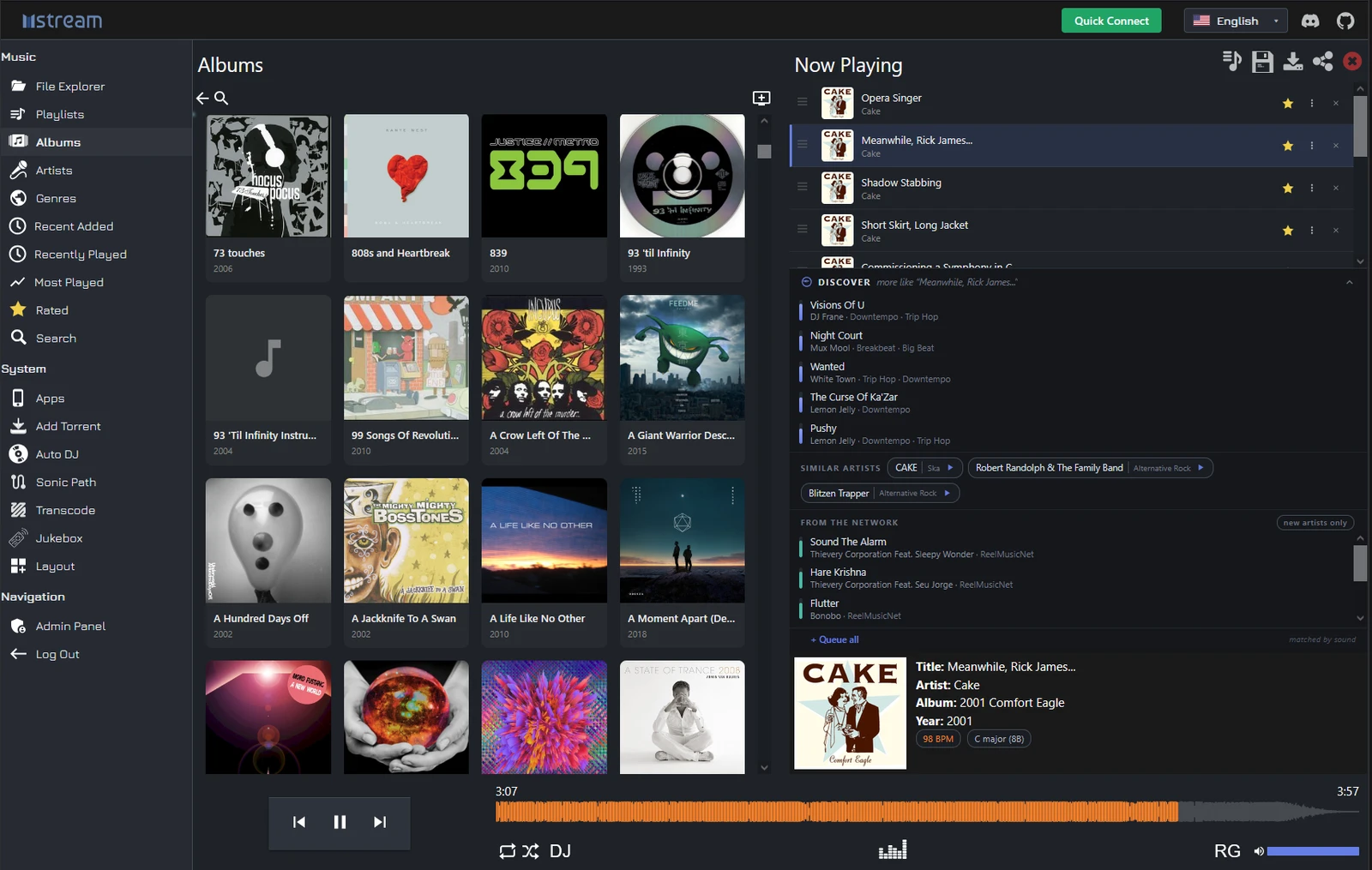
Quick ConnectReach your server from anywhere — no port forwarding, DNS, or SSL certificates.
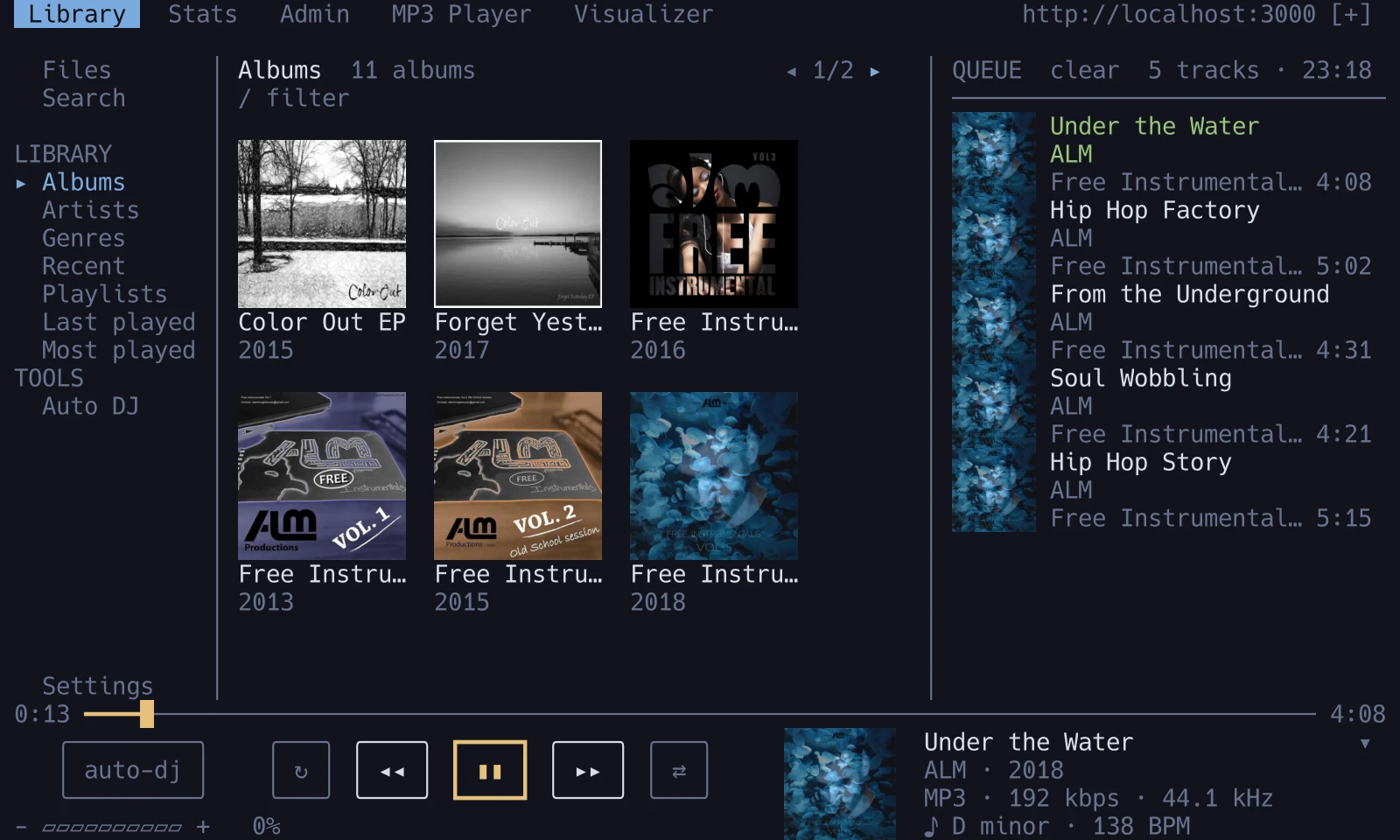
Auto DJPress play once; it queues what matches the tempo, key, or vibe.
Discovery & FederationRediscover your own library, find music you don't have, share with friends.
Open sourcemStream is free and open sourceWhat is mStream?
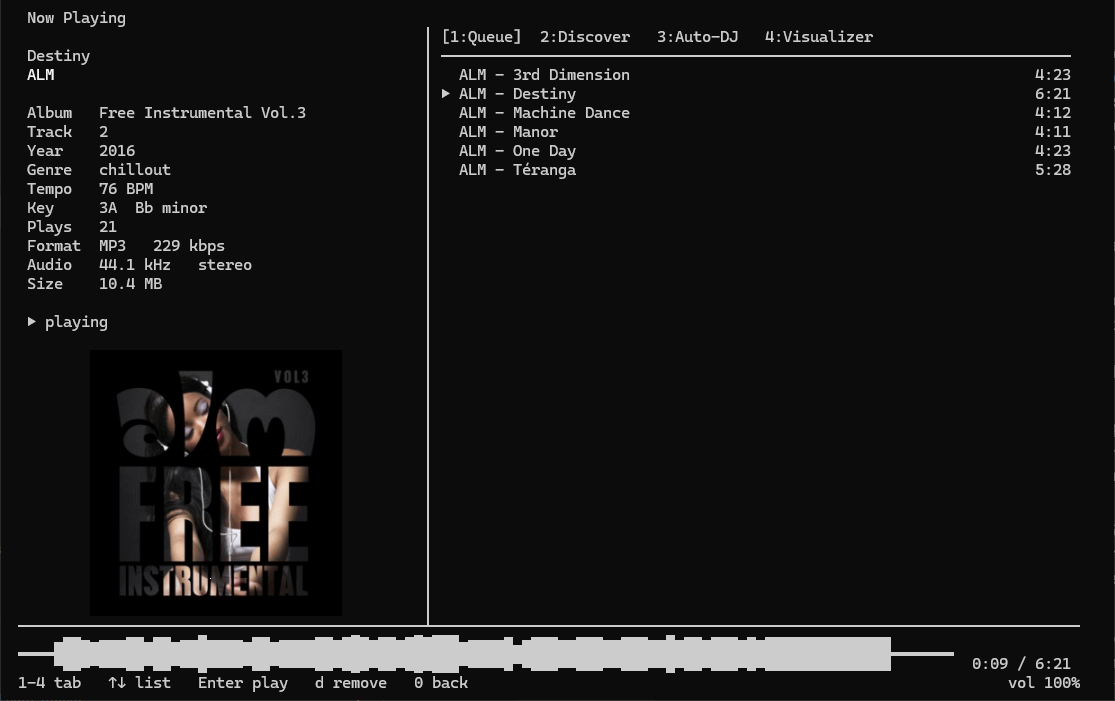
mStream is a self-hosted music server. Self-hosting means you run the server software on a computer you own. mStream is lightweight and can be run on old hardware and boards like the Raspberry Pi.
Why host your own?
- Own your music. No ads, and nothing gets removed from your library.
- Quality. Stream FLAC and lossless files uncompressed.
- Privacy. Streaming services log your listening habits. Your server never snitches on you.
- Good for artists. Buy music directly and the money goes to them.
New to self-hosting?
mStream makes it easy
- Download and install mStream
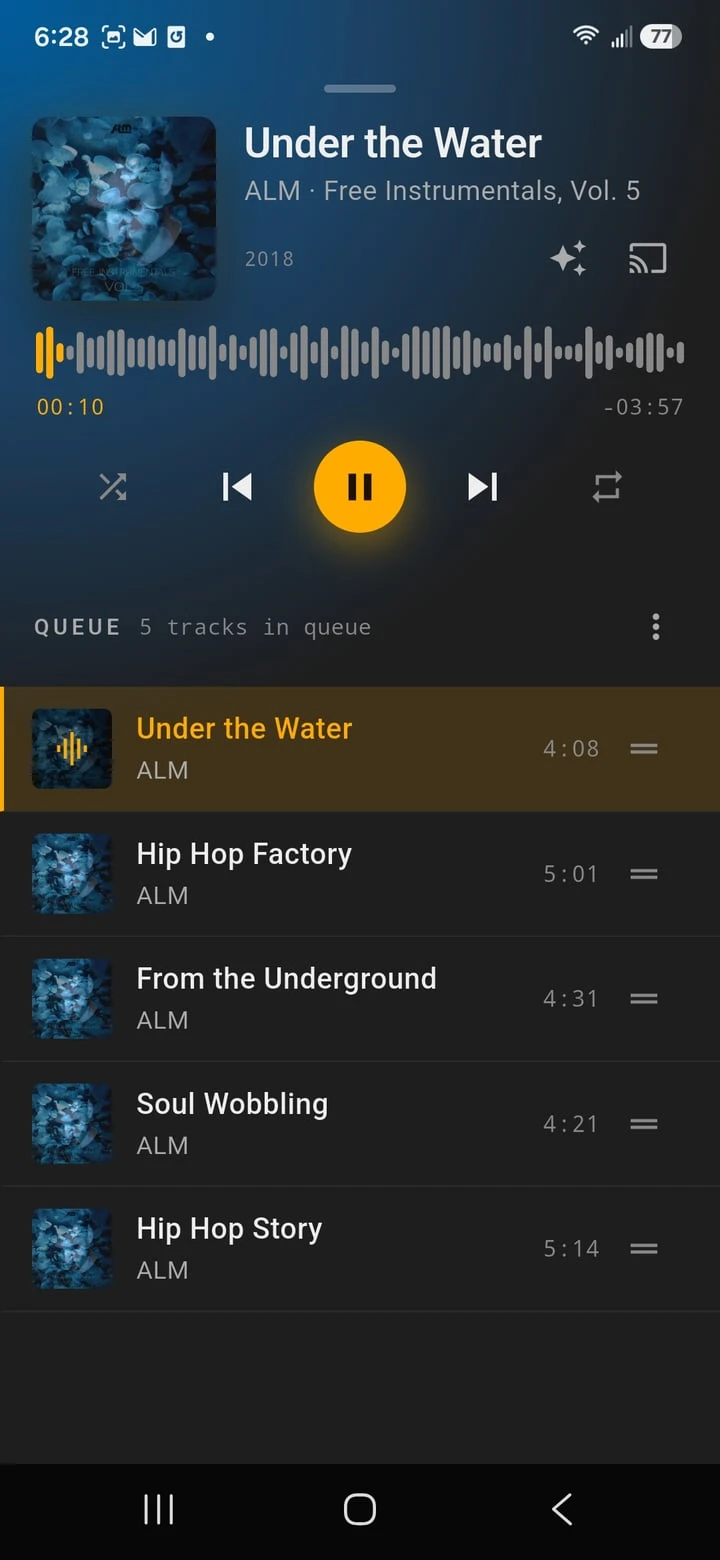
- Use the Quick Connect QR code to pair your mobile and desktop apps to your mStream Server. See our software page for a list of all our apps
- Your mStream apps can stream your music from anywhere as long as your server is running
- Enable P2P Discovery to get music recommendations from other mStream users